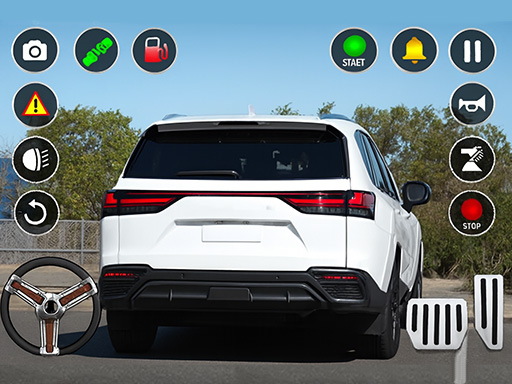
About Car Parking Simulator Offline
Modern Car Parking 3D Game and School Driving Simulator is the latest parking jam 3D simulation game and totally genuine real car parking jam game of 2025. Start with simple parking jam 3D scenarios and work your way up to complex, mind-bending challenges of Modern car parking 3D games. As you progress through traffic jam 3D, youll need to navigate tight spaces in car games 3D, avoid obstacles in the car driving parking master, and even park in adverse weather conditions.
Car Parking Simulator Offline belongs to the Adventure category and is best for speed, driving and reaction practice. GamPlayer keeps this page useful with a large play screen, quick facts, reporting and related games.
How to play Car Parking Simulator Offline
- Press Play now or scroll to the game screen.
- Wait for the embedded game to load from GameMonetize.
- Use mobile controls available and for keyboard w arrow up rarr move front s arrow down rarr move back a arrow left rarr move left d arrow right rarr move right.
- Use fullscreen if the game needs extra space.
Tips for a better session
- Test acceleration and turning before chasing a perfect score.
- Fullscreen helps you see corners and obstacles earlier.
- Replay tracks to learn timing.
 Adventure
 Adventure
 Adventure
 Adventure
 Adventure
 Adventure
 Adventure
 Adventure
 Adventure
 Adventure
 Adventure
 Adventure
 Adventure
 Adventure
 Adventure
 Adventure
 Adventure
 Adventure