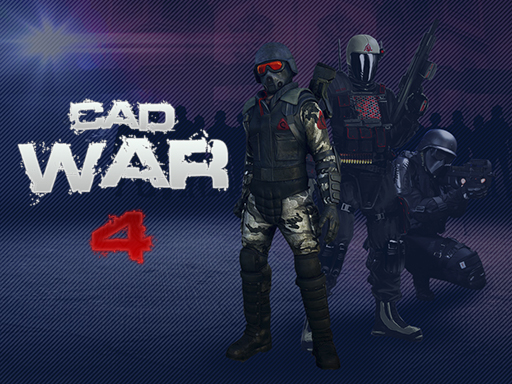
About CAD War 4
Most recently, your soldier participated in a hostage rescue operation that ended successfully, all hostages were rescued and terrorists were imprisoned or destroyed. But here again on the control panel received a signal about the capture of hostages, that is, our soldier has no time to relax and need to return to the system. This time it happened in the far East, where a terrorist organization took control of several peaceful settlements.
CAD War 4 belongs to the Shooting category and is best for quick reactions and arcade breaks. GamPlayer keeps this page useful with a large play screen, quick facts, reporting and related games.
How to play CAD War 4
- Press Play now or scroll to the game screen.
- Wait for the embedded game to load from GameMonetize.
- Use left mouse button - shoot right mouse button - aim wasd - move space- jump shift - acceleration r - reload e - action.
- Use fullscreen if the game needs extra space.
Tips for a better session
- Read the first in-game screen for controls.
- Try fullscreen if the game feels cramped.
- Use related games if this one is close but not perfect.
 Shooting
 Shooting
 Shooting
 Shooting
 Shooting
 Shooting
 Shooting
 Shooting
 Shooting
 Shooting
 Shooting
 Shooting
 Shooting
 Shooting
 Shooting
 Shooting
 Shooting
 Shooting