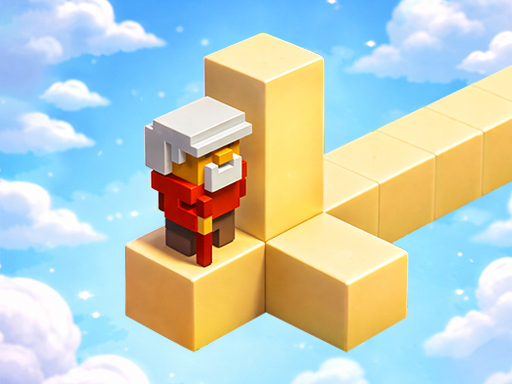
About Branches Game
Branches Game is a fun and addictive casual game that tests your timing, focus, and reflex skills. In this game, your goal is to move forward while avoiding dangerous branches in your path. One wrong move can end the game, so you must stay alert and react quickly. The gameplay is simple and easy to understand, making it perfect for players of all ages. With smooth controls and clean visuals, Branches Game offers a relaxing yet challenging experience. As you progress, the speed increases, making the game more exciting and challenging.
Branches Game belongs to the Adventure category and is best for speed, driving and reaction practice. GamPlayer keeps this page useful with a large play screen, quick facts, reporting and related games.
How to play Branches Game
- Press Play now or scroll to the game screen.
- Wait for the embedded game to load from GameMonetize.
- Use - to click any button use mouse.
- Use fullscreen if the game needs extra space.
Tips for a better session
- Read the first in-game screen for controls.
- Try fullscreen if the game feels cramped.
- Use related games if this one is close but not perfect.
 Adventure
 Adventure
 Adventure
 Adventure
 Adventure
 Adventure
 Adventure
 Adventure
 Adventure
 Adventure
 Adventure
 Adventure
 Adventure
 Adventure
 Adventure
 Adventure
 Adventure
 Adventure