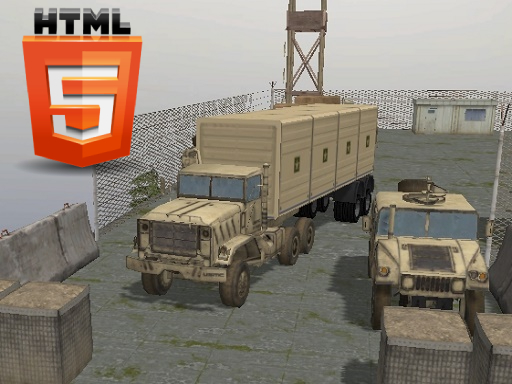
About Army Vehicle Transporting
Army vehicle transporting refers to the specialized logistics and operations involved in moving military vehicles from one location to another. This can include the movement of tanks, armored personnel carriers, jeeps, and other ground vehicles, both within a countrys borders and internationally. Transporting these vehicles requires careful planning, as their size, weight, and the need for security can present unique challenges. Whether its for training exercises, deployment to conflict zones, or humanitarian missions. Website Developer <a href='https://tr.kizi10.org'>https://tr.kizi10.org</a>
Army Vehicle Transporting belongs to the Action category and is best for family-friendly casual play. GamPlayer keeps this page useful with a large play screen, quick facts, reporting and related games.
How to play Army Vehicle Transporting
- Press Play now or scroll to the game screen.
- Wait for the embedded game to load from GameMonetize.
- Use pc version uses wasd to drive and c to change the camera mobile users use button ui from the screen.
- Use fullscreen if the game needs extra space.
Tips for a better session
- Test acceleration and turning before chasing a perfect score.
- Fullscreen helps you see corners and obstacles earlier.
- Replay tracks to learn timing.
 Action
 Action
 Action
 Action
 Action
 Action
 Action
 Action
 Action
 Action
 Action
 Action
 Action
 Action
 Action
 Action
 Action
 Action