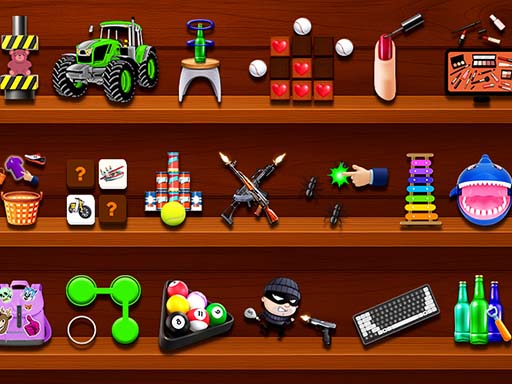
About Antistress Relaxing Game
Antistress Game: Mini Fan Games is your perfect place to relax, calm your mind, and enjoy a collection of Fun Mini Games designed for pure peace. This Antistress game helps you unwind from your busy day and release tension through satisfying, interactive experiences. If you’re looking for the best Anti stress games that bring instant calmness and joy, this is exactly what you need.
Antistress Relaxing Game belongs to the Arcade category and is best for quick browser entertainment. GamPlayer keeps this page useful with a large play screen, quick facts, reporting and related games.
How to play Antistress Relaxing Game
- Press Play now or scroll to the game screen.
- Wait for the embedded game to load from GameMonetize.
- Use mouse click or tap to play.
- Use fullscreen if the game needs extra space.
Tips for a better session
- Read the first in-game screen for controls.
- Try fullscreen if the game feels cramped.
- Use related games if this one is close but not perfect.
 Arcade
 Arcade
 Arcade
 Arcade
 Arcade
 Arcade
 Arcade
 Arcade
 Arcade
 Arcade
 Arcade
 Arcade
 Arcade
 Arcade
 Arcade
 Arcade
 Arcade
 Arcade