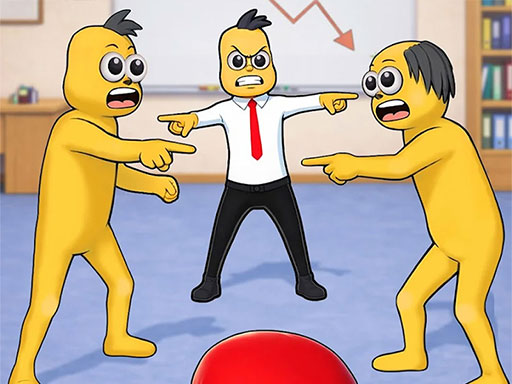
About Annoying Boss Game
Step into the craziest office stress-relief adventure with Annoying Boss Punch Game! Smash, slap, punch, and kick your annoying boss in this hilarious web action game built for pure fun and endless entertainment. Tired of boring meetings, overtime pressure, and nonstop office lectures? Release your stress with crazy reactions, funny animations, and chaotic office destruction. Throw punches, launch flying chappals, smash eggs, use water balloons, and create total office madness.
Annoying Boss Game belongs to the Arcade category and is best for quick reactions and arcade breaks. GamPlayer keeps this page useful with a large play screen, quick facts, reporting and related games.
How to play Annoying Boss Game
- Press Play now or scroll to the game screen.
- Wait for the embedded game to load from GameMonetize.
- Use controls mouse controls bull left click to punch bull click rapidly for combo attacks bull drag mouse to aim special attacks keyboard controls bull arrow keys ndash move around bull spacebar ndash powerful punch bull e key ndash use sp.
- Use fullscreen if the game needs extra space.
Tips for a better session
- Read the first in-game screen for controls.
- Try fullscreen if the game feels cramped.
- Use related games if this one is close but not perfect.
 Arcade
 Arcade
 Arcade
 Arcade
 Arcade
 Arcade
 Arcade
 Arcade
 Arcade
 Arcade
 Arcade
 Arcade
 Arcade
 Arcade
 Arcade
 Arcade
 Arcade
 Arcade